Software development / Practical AI
Useful tools.
Purposeful development.
Build around a real workflow. Keep the interfaces clear, the behavior observable, and the result useful to the person doing the work.
Software with a job to do
Small tools can make
a meaningful difference.
FiO’s software work starts with a practical need: connect systems, simplify a repetitive task, or put the right control within reach.
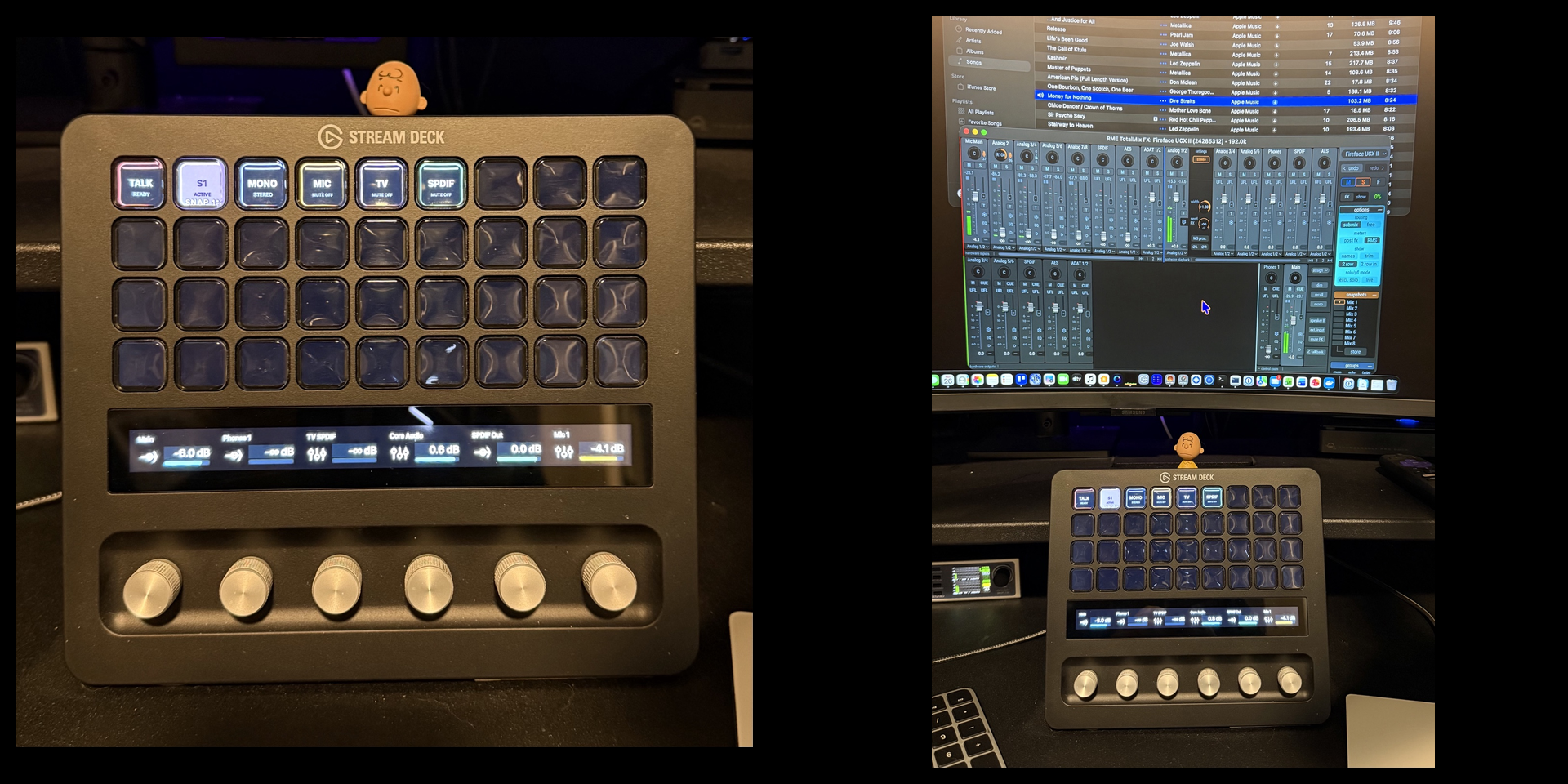
Areas to discuss include custom utilities, API integrations, workflow automation, technical prototypes and focused applications. RME Controller is one example: bringing a studio’s mixer controls onto a physical interface.
Software / In the studio
Your mix.
Within reach.
RME Controller for macOS brings TotalMix FX controls to Stream Deck. Physical controls, live feedback, and fewer interruptions to your workflow.
Explore RME ControllerAI in the workflow
More ways to explore.
The same responsibility to verify.
Research & prototype
Use AI to explore approaches, organize technical information and develop early prototypes around a defined question.
Build & review
Use AI-assisted coding, test development and documentation while retaining clear requirements and human review.
Check against reality
Evaluate behavior in the intended environment. A generated answer or passing simulation is a starting point for validation.
A practical conversation about AI
Start with the workflow.
The useful question is where AI can help someone do a specific job with less friction and better information.
Talk with Chris about opportunities for assisted research, documentation, internal tooling and process automation. The scope should identify the data involved, what requires human review, and how the result will be evaluated.
RME Controller’s published listing discloses AI assistance in software development, testing, copy and media design under maker direction. That same transparency guides how FiO describes the work.
What would make your work easier?
Bring the repetitive task, missing integration, or idea you want to explore.